

Logs
Read what Epilykos is doing, switch on debug logging, and save a diagnostics file.
Security
The admin password and two-step sign-in.
Backup and restore
Download backups, restore them, and keep your saved passwords.
Settings → Logs shows what Epilykos is doing right now. Tokens, passwords and keys are blanked out, so you can safely share what you see here when you ask for help.
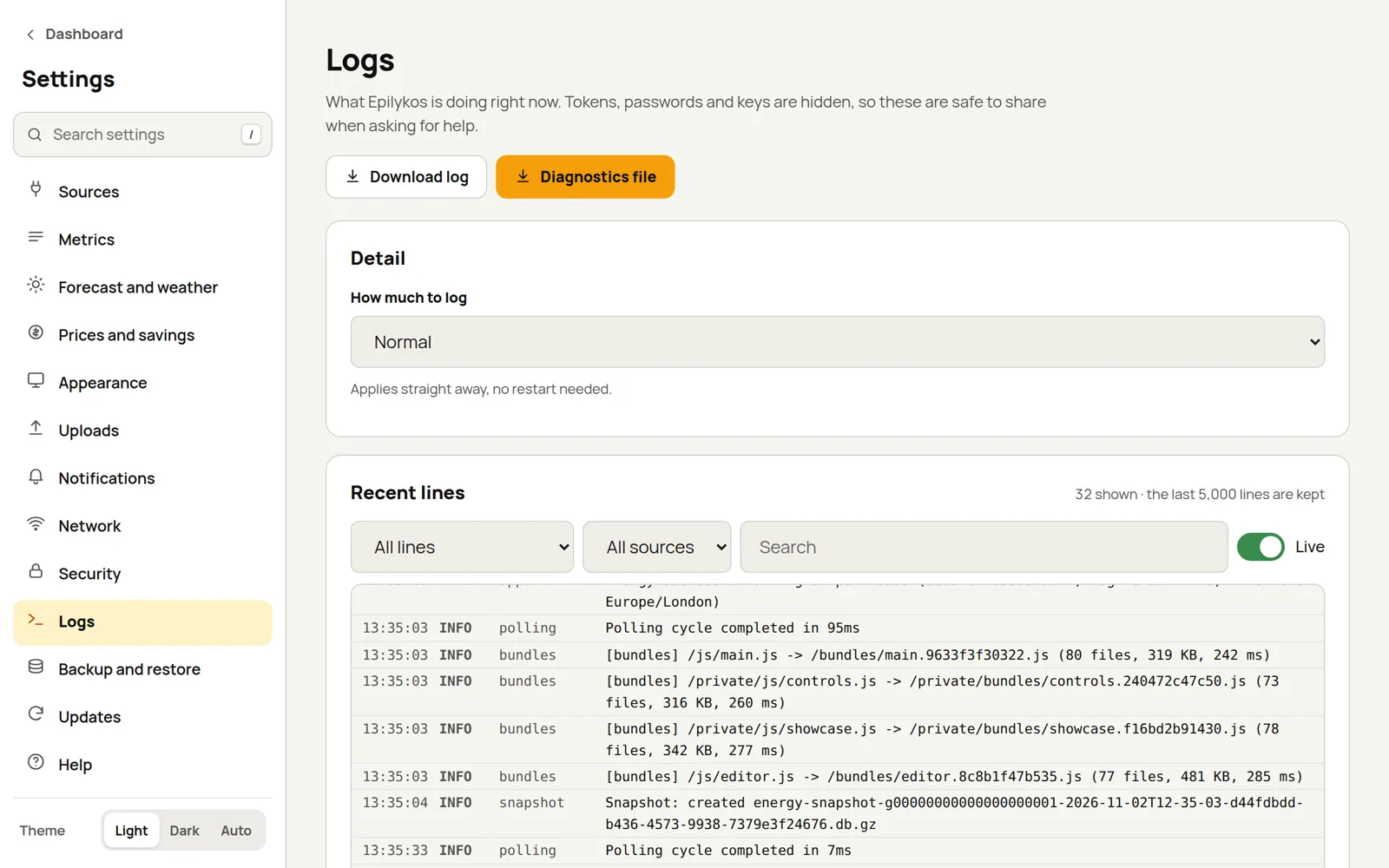
Recent lines
You can narrow the list down by level (All lines, Warnings and errors or Errors only), by source, or by searching. With Live on, new lines appear as they're written.
How much to log
| Level | What it records |
|---|---|
| Errors only | Just errors. |
| Errors and warnings | Errors and warnings. |
| Normal | The usual amount. |
| Normal and web requests | The usual, plus every web request. |
| Debug (everything, for troubleshooting) | Everything, including the Bluetooth helper. |
A new level takes effect straight away, with no restart. Debug switches itself back off after 30 minutes, so you can't forget to turn it off.
LOG_LEVEL in the compose file sets the level Epilykos starts with; anything you choose here takes
over from it.
Download log and Diagnostics file
- Download log saves the log file.
- Diagnostics file saves the recent log lines together with your settings, with all secrets blanked out. It's the most useful thing to send when you ask for help.
If something isn't working: set the level to Debug, make the problem happen again, then download the diagnostics file.
Where the logs go
On Docker, Epilykos writes log files under logs/ inside the container, and also to the container's
output, which you can read with docker logs epilykos. Set LOG_TO_FILE=false to keep only the
container output. On EpilykosOS, the system journal collects the logs.
Last updated on